Tag: 9:16

  • Best Aspect Ratio for AI Video Ads: 9:16 vs 1:1 vs 16:9 (Seedance 1.5 Test)

    Best Aspect Ratio for AI Video Ads: 9:16 vs 1:1 vs 16:9 (Seedance 1.5 Test)

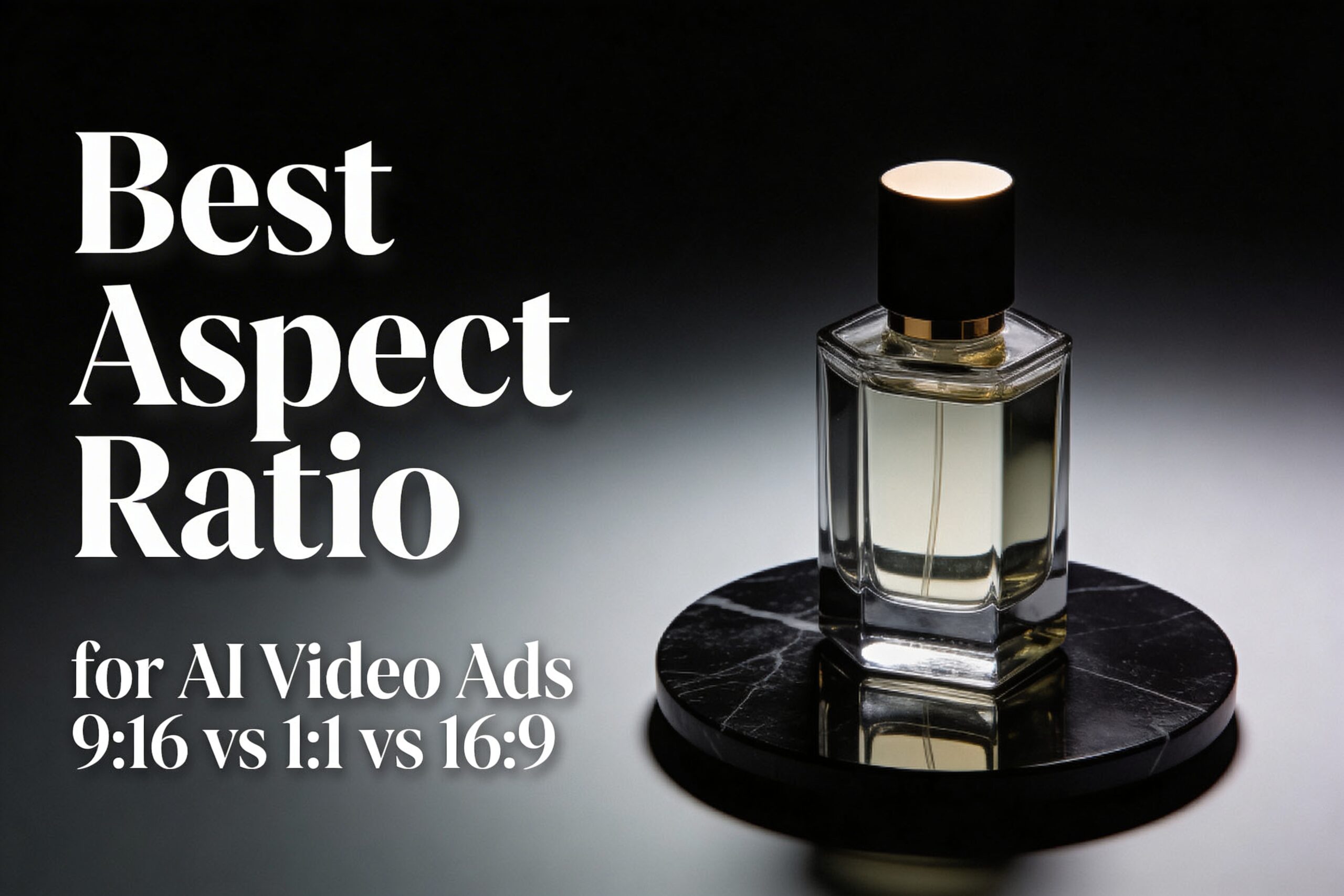
    The best aspect ratio for AI video ads depends on where the clip runs. This test shows what changes when only the frame changes: 9:16 vs 1:1 vs 16:9, using the same Seedance 1.5 setup.

    Best aspect ratio for AI video ads: quick verdict

    • 9:16 (vertical): best default for TikTok/Reels/Shorts style placements. It fills the screen and keeps the product big.
    • 1:1 (square): safest for multi-placement campaigns. It crops cleanly for feeds and carousels.
    • 16:9 (landscape): best for YouTube-style placements, landing pages, and product pages. It gives more room for context.

    Test setup (Seedance 1.5)

    The test was run three times with the same prompt, the same first frame, and the same settings. Only the ratio changed.

    • Model: Seedance 1.5 (image-to-video)
    • Duration: 5s
    • Resolution: 480p
    • Audio: off
    • Seed: 1
    • Camera: slow orbit + slight push-in

    First frame used (input)

    Square studio product photo of a luxury perfume bottle on matte black marble, used as the first frame input
    Prompt: Commercial product photo of a luxury perfume bottle (clear glass, amber liquid) standing centered on a matte black marble surface. Soft studio key light from the left, gentle rim light on the right, realistic reflections, shallow depth of field. Clean background with subtle dark gradient. Leave extra negative space around the product for safe cropping. Ultra realistic, high detail.

    Prompt used for all three videos

    Prompt: A cinematic studio product ad. The luxury perfume bottle from the first frame stands centered on the matte black marble surface. The camera makes a slow smooth orbit with a slight push-in. Keep the product sharp and realistic, with clean reflections and soft specular highlights. Dark premium background, no text.

    Results: 9:16 vs 1:1 vs 16:9 (what changes)

    Aspect ratio changes three practical things: how big the product feels, where empty space ends up, and how risky future crops become.

    Ratio Best for What it changes in AI outputs Common failure mode
    9:16 Reels, TikTok, Shorts, story-style ads Forces tighter framing. The product stays large. Background details get sacrificed first. Over-tight crops that clip the top/bottom of the subject.
    1:1 Feeds, carousels, mixed placements Balanced framing. Usually the safest for later crops. Too much empty space if the prompt expects a tall frame.
    16:9 YouTube placements, landing pages, product pages Adds lateral context. The product can feel smaller unless the prompt forces center framing. Subject drift to the side, making later vertical crops painful.

    9:16 (vertical): best for full-screen attention

    9:16 makes the product feel closer. That is good for quick-scroll placements. It also reduces the amount of background the model needs to invent.

    Prompt: Same prompt and settings as the test setup. Ratio: 9:16. Duration: 5s. Resolution: 480p. Audio: off.
    Vertical 9:16 frame from the generated Seedance 1.5 perfume ad video
    Prompt: Same prompt and settings as the test setup. Ratio: 9:16.

    When 9:16 wins

    • The ad will run as a full-screen mobile placement.
    • The product must stay large and readable.
    • The edit will add captions or overlays, so the frame needs strong contrast.

    1:1 (square): safest for multi-placement reuse

    1:1 usually survives the most reuse. It can be cropped to 4:5, 9:16, or 16:9 later with fewer surprises. It is the best default when the final placement is unknown.

    Prompt: Same prompt and settings as the test setup. Ratio: 1:1. Duration: 5s. Resolution: 480p. Audio: off.
    Square 1:1 frame from the generated Seedance 1.5 perfume ad video
    Prompt: Same prompt and settings as the test setup. Ratio: 1:1.

    When 1:1 wins

    • The same creative must work across multiple feeds.
    • The editor needs flexibility for future crops.
    • The product must stay centered with minimal layout risk.

    16:9 (landscape): best for context and web placements

    16:9 gives more room for shadows, surfaces, and background context. It can look more “cinematic”. For ads, it often needs a stronger instruction to keep the product centered and large.

    Prompt: Same prompt and settings as the test setup. Ratio: 16:9. Duration: 5s. Resolution: 480p. Audio: off.
    Landscape 16:9 frame from the generated Seedance 1.5 perfume ad video
    Prompt: Same prompt and settings as the test setup. Ratio: 16:9.

    When 16:9 wins

    • The clip will live on a landing page, product page, or YouTube placement.
    • The ad needs more environmental context than a tight product hero shot.
    • The creative wants extra room for on-screen copy in post (without covering the product).

    A prompt template that stays crop-safe

    Use this structure when the same concept must survive multiple ratios:

    • Start with the format: “commercial product ad video”
    • Force composition: “product centered” + “leave negative space”
    • Pick one camera move: “slow push-in” or “slow orbit”
    • Lock brand safety: “no text, no logos”

    Template: [RATIO] commercial product ad video. [SUBJECT] centered on [SURFACE]. Soft studio lighting, realistic reflections. One smooth camera move: [MOVE]. Clean background, no text, no logos. Leave negative space for safe cropping.

    Common mistakes (and how to avoid them)

    • Changing two variables at once: keep prompt, seed, duration, and resolution fixed when testing ratios.
    • Letting the subject drift: add “centered” and “keep the product centered” to the prompt.
    • Forgetting overlay safe areas: keep key details away from the top and bottom edges for vertical placements.

    FAQ

    Should 9:16 always be used for AI video ads?

    No. 9:16 is a strong default for full-screen mobile placements. If the creative must be reused across feeds, 1:1 is often safer.

    Is it better to generate one ratio and crop later?

    For AI video, generating the target ratio usually looks cleaner. Crops can cut off motion and composition. If one master is needed, 1:1 often survives cropping best.

    What if the placement is unknown?

    Start with 1:1 and keep the subject centered. Then regenerate 9:16 for Reels/TikTok if the campaign needs a full-screen version.

    Try it on Seedance 1.5

    Run the same prompt in 9:16, 1:1, and 16:9. Change only one variable at a time. Then pick the ratio that matches the placement.

    Next reads: Seedance 1.5: 5 Vertical (9:16) Video Prompts, Seedance 1.5 vs Kling 2.6: 5 Prompt Video Test, Kling V3 Omni vs Wan 2.6: 5 Prompt Test (9:16).
  • Kling V3 Omni vs Wan 2.6: 5 Prompt Test (9:16, 720p)

    Kling V3 Omni vs Wan 2.6: 5 Prompt Test (9:16, 720p)

    This post runs the same 5 short ad-style prompts on two text-to-video models: Kling V3 Omni and Alibaba Wan 2.6. Each test uses 9:16, 720p, 5 seconds, audio off, and one simple camera move.

    Quick specs

    Item Kling V3 Omni Wan 2.6
    Provider Kling Alibaba
    Type Text-to-video (also supports image + reference inputs) Text-to-video (also supports image + reference inputs)
    Resolution options std (720p), pro (1080p) 720P, 1080P
    Aspect ratios 16:9, 9:16, 1:1 16:9, 9:16, 1:1, 4:3, 3:4
    Duration tested here 5 seconds
    Ratio tested here 9:16 (vertical)
    Audio tested here Off

    Test setup (same for both models)

    • Goal: fast vertical clips that could work as product ads or UGC-style demos
    • Duration: 5 seconds per run
    • Ratio: 9:16
    • Resolution: 720p
    • Audio: off
    • Prompt style: 2-4 short sentences, one camera move

    5 prompt results (Kling vs Wan)

    1) Perfume bottle hero shot (reflections)

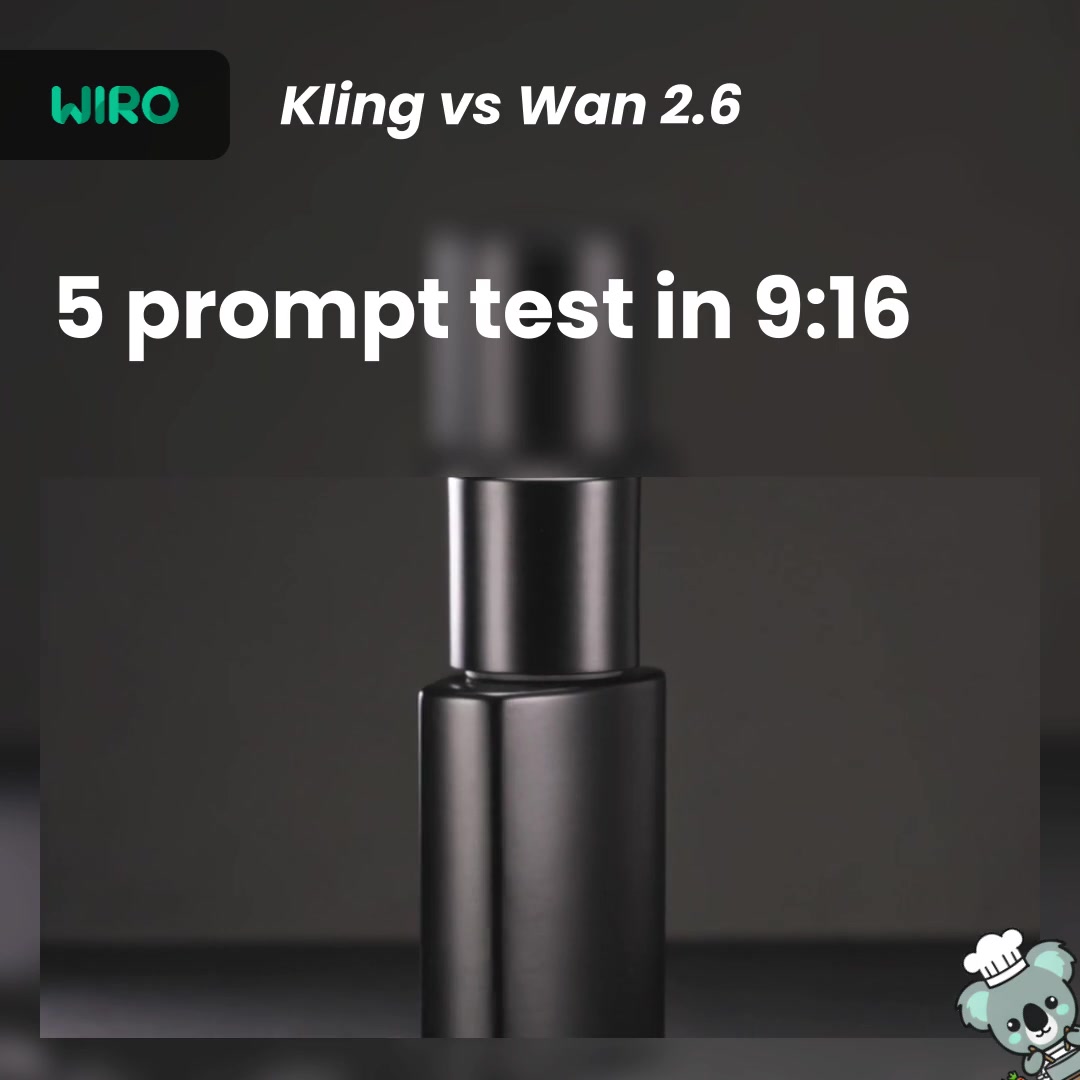
    Prompt: 9:16 commercial product video. A premium matte-black perfume bottle on dark wet slate. Soft rim light, realistic reflections. Slow camera push-in with a gentle turntable rotation. Clean background, no text.

    Settings: Kling mode=std, duration=5s, ratio=9:16, sound=off, scale=0.5. Wan mode=std, duration=5s, ratio=9:16, resolution=720P, audioEnabled=false.

    Kling V3 Omni Wan 2.6
    Prompt 1 (Kling): perfume bottle hero shot.
    Prompt 1 (Wan): perfume bottle hero shot.
    • Kling keeps a matte cylindrical bottle consistent across frames, with stable lighting and reflections.
    • Wan renders a glossier rectangular glass bottle look with strong highlights. Framing stays steady.
    • Both clips look ad-usable for a clean product hero shot.

    2) UGC hand demo (small object handling)

    Prompt: 9:16 UGC phone video in a bright kitchen. A hand opens a wireless earbuds case and takes one earbud out. Slight handheld shake, natural skin texture. Simple background, no text.

    Settings: Kling mode=std, duration=5s, ratio=9:16, sound=off, scale=0.5. Wan mode=std, duration=5s, ratio=9:16, resolution=720P, audioEnabled=false.

    Kling V3 Omni Wan 2.6
    Prompt 2 (Kling): earbuds case open + grab.
    Prompt 2 (Wan): earbuds case open + grab.
    • Kling stays stable across the open-and-grab sequence, with normal-looking hands in the sampled frames.
    • Wan looks coherent, but a couple frames show small geometry changes on the earbud/case.
    • For UGC hands, keeping the action list short helps both models.

    3) Running shoes turntable (geometry consistency)

    Prompt: 9:16 studio product ad video of a pair of running shoes on a turntable. One smooth orbit around the shoes. Sharp fabric texture, clean highlights, soft shadow. Minimal background, no text.

    Settings: Kling mode=std, duration=5s, ratio=9:16, sound=off, scale=0.5. Wan mode=std, duration=5s, ratio=9:16, resolution=720P, audioEnabled=false.

    Kling V3 Omni Wan 2.6
    Prompt 3 (Kling): shoe turntable/orbit.
    Prompt 3 (Wan): shoe turntable/orbit.
    • Kling keeps the shoe form consistent across frames and looks safe for a generic product spin.
    • Wan looks more stylized and detailed, but the midsole/shape shifts across frames and a brand-like side mark appears.
    • If the product must stay exact, watch for shape drift and accidental branding on footwear prompts.

    4) Stop-motion wrapper reveal (style lock)

    Prompt: 9:16 stop-motion paper cutout ad scene. A chocolate bar wrapper flips open and a paper chocolate square pops out. Handcrafted paper texture, simple loop-like motion. Clean composition, no text.

    Settings: Kling mode=std, duration=5s, ratio=9:16, sound=off, scale=0.5. Wan mode=std, duration=5s, ratio=9:16, resolution=720P, audioEnabled=false.

    Kling V3 Omni Wan 2.6
    Prompt 4 (Kling): paper cutout wrapper reveal.
    Prompt 4 (Wan): paper cutout wrapper reveal.
    • Kling keeps the wrapper and chocolate piece coherent across frames, with a clean minimal look.
    • Wan shows readable wrapper text (“Chocolate”) even though the prompt asked for no text.
    • If you need brand safety, add a stronger negative prompt for text/logos and keep packaging generic.

    5) Busy neon subway (crowd + signage)

    Prompt: 9:16 cinematic handheld shot on a crowded subway platform at night. Neon lights reflect on a wet floor. People walk past the camera. One forward tracking move, realistic motion blur, no readable text.

    Settings: Kling mode=std, duration=5s, ratio=9:16, sound=off, scale=0.5. Wan mode=std, duration=5s, ratio=9:16, resolution=720P, audioEnabled=false.

    Kling V3 Omni Wan 2.6
    Prompt 5 (Kling): crowded subway platform.
    Prompt 5 (Wan): crowded subway platform.
    • Kling lands a busy crowd scene, but the sampled frames show more chaos: heavier blur/ghosting and more visible signage.
    • Wan looks more composed and cinematic across frames, with steadier framing and fewer obviously readable signs.
    • For public scenes, always watch for readable signage and recognizable faces if the clip goes into a real ad.

    Verdict (based on these 5 tests)

    • If the goal is clean product shots and simple hand demos, Kling V3 Omni looks steadier and more “safe” across frames.
    • If the goal is a more cinematic vibe for environments (like the subway test), Wan 2.6 looks more composed in this set.
    • Both can surprise you with accidental text or brand-like marks. Negative prompts help, but reviewing frames before shipping is mandatory.

    Prompt tips that improved stability

    • Write 2-4 short sentences. One subject, one camera move.
    • Say “no text” and also add a negative prompt for text, watermark, and logos.
    • For hands: keep the action list to one clear action (open, grab, place). Avoid multi-step instructions.
    • For product spins: keep the background minimal and avoid brand names.

    Try the prompts

    Copy the prompts above, keep the settings the same (9:16, 5s, 720p, audio off), and swap only one variable at a time (ratio, duration, or camera move). That makes it easy to see what actually changes.

  • Kling V3: 5 Prompt Tests for 9:16 Product Ads

    Kling V3: 5 Prompt Tests for 9:16 Product Ads

    Kling V3 is a text-to-video model that can generate short vertical clips from one prompt. This post runs 5 real prompts in 9:16 and shows the exact settings and outputs.

    Quick specs

    Item Value
    Model Kling V3
    Type Text-to-video
    Mode std
    Duration tested 5 seconds
    Aspect ratio tested 9:16
    Sound off
    CFG scale 0.5

    Test setup

    • Goal: short ad-style clips that work for TikTok and Reels
    • Duration: 5 seconds per run
    • Ratio: 9:16 (vertical)
    • Mode: std
    • Sound: off
    • Prompt style: short sentences, one camera move

    5 prompt results

    1) Skincare bottle hero shot (product lighting + reflections)

    Prompt: 9:16 commercial product video of a premium skincare serum bottle on dark marble. Soft rim light, realistic glass refraction, tiny water droplets. Slow camera push-in, gentle turntable rotation. Clean background. High-end ad look.

    Settings: mode=std, duration=5s, ratio=9:16, sound=off, scale=0.5

    This type of prompt checks if the model keeps reflections stable during a slow move.

    2) UGC hand demo (hands + small object actions)

    Prompt: 9:16 UGC-style phone video in a bright kitchen. A hand holds a reusable water bottle on a counter. The hand points at the lid and clicks it open. Natural daylight, slight handheld shake, realistic skin texture. Simple background.

    Settings: mode=std, duration=5s, ratio=9:16, sound=off, scale=0.5

    UGC prompts expose finger artifacts fast. Keep the action list short and the background plain.

    3) Smartwatch orbit (clean product motion)

    Prompt: 9:16 photoreal product ad video of a premium smartwatch on dark marble. Soft rim light, clean reflections, subtle fog. Slow camera orbit around the watch, one smooth move. Minimal background, no text.

    Settings: mode=std, duration=5s, ratio=9:16, sound=off, scale=0.5

    Product orbits work best when the prompt calls for one move and one subject.

    4) Paper cutout stop-motion (style control)

    Prompt: 9:16 stop-motion paper cutout scene. A small paper sailboat rocks on layered paper ocean waves under a moon. Handcrafted texture, soft shadows, calm loop-like motion. Clean composition, no text.

    Settings: mode=std, duration=5s, ratio=9:16, sound=off, scale=0.5

    This checks style lock. Words like paper cutout, stop-motion, and handcrafted texture help keep the look consistent.

    5) Stress test: crowded rainy night market (lots of motion)

    Prompt: 9:16 cinematic handheld street shot in a crowded night market in heavy rain. Neon signs reflect on wet pavement. Many people walk past the camera. One smooth forward tracking move. Realistic motion blur, no readable text.

    Settings: mode=std, duration=5s, ratio=9:16, sound=off, scale=0.5

    Busy scenes can drift. Reduce the number of moving subjects if the clip looks random.

    What Kling V3 does well (based on these tests)

    • Short vertical ad shots with one clear subject
    • Smooth camera moves when the prompt names one move
    • Distinct styles when the prompt uses strong style words

    Where prompts can break

    • Hands and tiny actions can deform if the action list gets long
    • Crowded scenes can lose subject focus
    • Neon and heavy rain can introduce messy motion blur

    Prompt tips that improved stability

    • Write 2-4 short sentences. Avoid long paragraphs.
    • Pick one camera move: push-in, orbit, or tracking.
    • Call out lighting and material once. Then stop adding details.
    • For UGC: say slight handheld shake and keep the background simple.

    CTA

    Try these Kling V3 prompts on seedance2pro.video and swap only one variable at a time (ratio, duration, or camera move).