Tag: prompt engineering

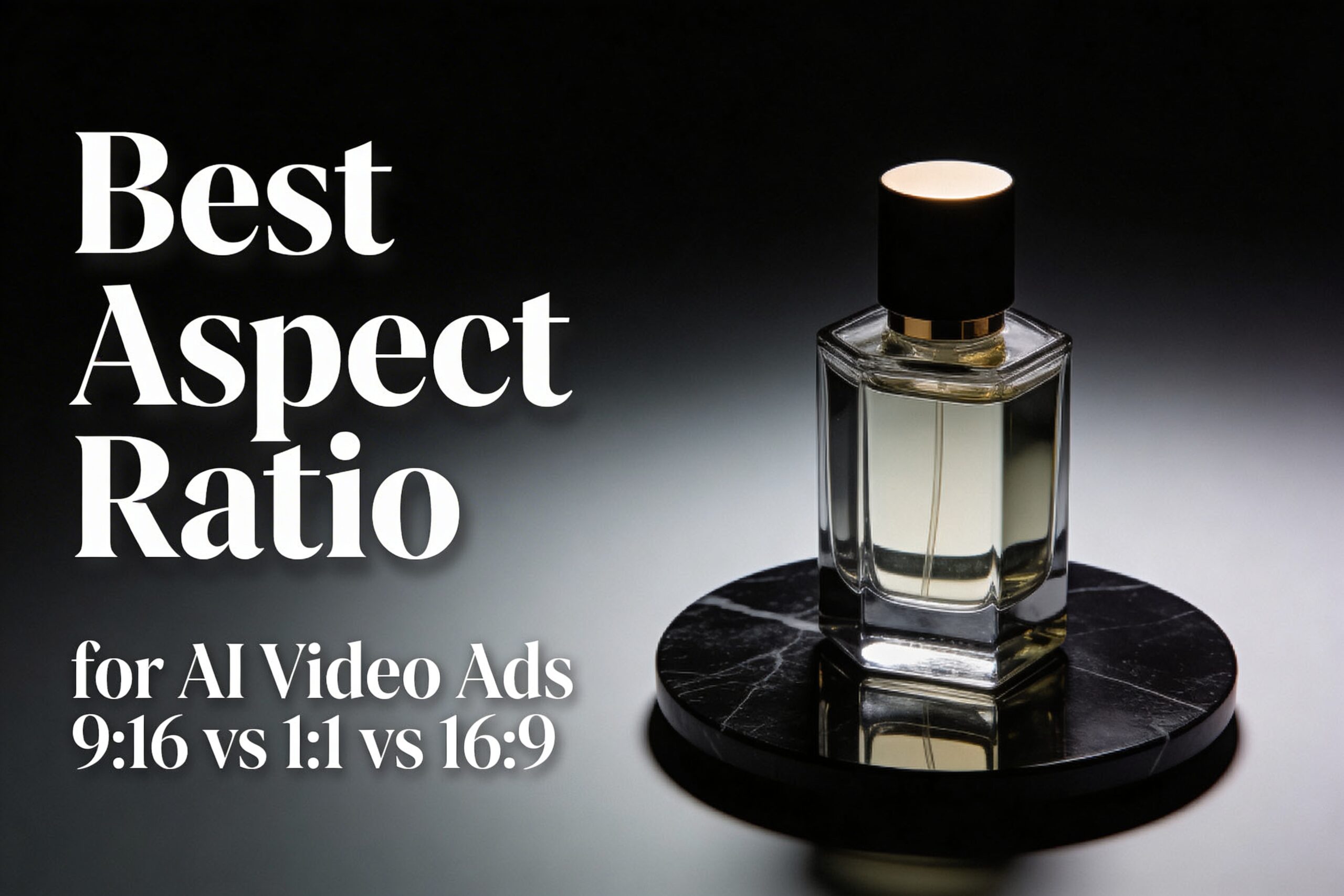
  • Best Aspect Ratio for AI Video Ads: 9:16 vs 1:1 vs 16:9 (Seedance 1.5 Test)

    Best Aspect Ratio for AI Video Ads: 9:16 vs 1:1 vs 16:9 (Seedance 1.5 Test)

    The best aspect ratio for AI video ads depends on where the clip runs. This test shows what changes when only the frame changes: 9:16 vs 1:1 vs 16:9, using the same Seedance 1.5 setup.

    Best aspect ratio for AI video ads: quick verdict

    • 9:16 (vertical): best default for TikTok/Reels/Shorts style placements. It fills the screen and keeps the product big.
    • 1:1 (square): safest for multi-placement campaigns. It crops cleanly for feeds and carousels.
    • 16:9 (landscape): best for YouTube-style placements, landing pages, and product pages. It gives more room for context.

    Test setup (Seedance 1.5)

    The test was run three times with the same prompt, the same first frame, and the same settings. Only the ratio changed.

    • Model: Seedance 1.5 (image-to-video)
    • Duration: 5s
    • Resolution: 480p
    • Audio: off
    • Seed: 1
    • Camera: slow orbit + slight push-in

    First frame used (input)

    Square studio product photo of a luxury perfume bottle on matte black marble, used as the first frame input
    Prompt: Commercial product photo of a luxury perfume bottle (clear glass, amber liquid) standing centered on a matte black marble surface. Soft studio key light from the left, gentle rim light on the right, realistic reflections, shallow depth of field. Clean background with subtle dark gradient. Leave extra negative space around the product for safe cropping. Ultra realistic, high detail.

    Prompt used for all three videos

    Prompt: A cinematic studio product ad. The luxury perfume bottle from the first frame stands centered on the matte black marble surface. The camera makes a slow smooth orbit with a slight push-in. Keep the product sharp and realistic, with clean reflections and soft specular highlights. Dark premium background, no text.

    Results: 9:16 vs 1:1 vs 16:9 (what changes)

    Aspect ratio changes three practical things: how big the product feels, where empty space ends up, and how risky future crops become.

    Ratio Best for What it changes in AI outputs Common failure mode
    9:16 Reels, TikTok, Shorts, story-style ads Forces tighter framing. The product stays large. Background details get sacrificed first. Over-tight crops that clip the top/bottom of the subject.
    1:1 Feeds, carousels, mixed placements Balanced framing. Usually the safest for later crops. Too much empty space if the prompt expects a tall frame.
    16:9 YouTube placements, landing pages, product pages Adds lateral context. The product can feel smaller unless the prompt forces center framing. Subject drift to the side, making later vertical crops painful.

    9:16 (vertical): best for full-screen attention

    9:16 makes the product feel closer. That is good for quick-scroll placements. It also reduces the amount of background the model needs to invent.

    Prompt: Same prompt and settings as the test setup. Ratio: 9:16. Duration: 5s. Resolution: 480p. Audio: off.
    Vertical 9:16 frame from the generated Seedance 1.5 perfume ad video
    Prompt: Same prompt and settings as the test setup. Ratio: 9:16.

    When 9:16 wins

    • The ad will run as a full-screen mobile placement.
    • The product must stay large and readable.
    • The edit will add captions or overlays, so the frame needs strong contrast.

    1:1 (square): safest for multi-placement reuse

    1:1 usually survives the most reuse. It can be cropped to 4:5, 9:16, or 16:9 later with fewer surprises. It is the best default when the final placement is unknown.

    Prompt: Same prompt and settings as the test setup. Ratio: 1:1. Duration: 5s. Resolution: 480p. Audio: off.
    Square 1:1 frame from the generated Seedance 1.5 perfume ad video
    Prompt: Same prompt and settings as the test setup. Ratio: 1:1.

    When 1:1 wins

    • The same creative must work across multiple feeds.
    • The editor needs flexibility for future crops.
    • The product must stay centered with minimal layout risk.

    16:9 (landscape): best for context and web placements

    16:9 gives more room for shadows, surfaces, and background context. It can look more “cinematic”. For ads, it often needs a stronger instruction to keep the product centered and large.

    Prompt: Same prompt and settings as the test setup. Ratio: 16:9. Duration: 5s. Resolution: 480p. Audio: off.
    Landscape 16:9 frame from the generated Seedance 1.5 perfume ad video
    Prompt: Same prompt and settings as the test setup. Ratio: 16:9.

    When 16:9 wins

    • The clip will live on a landing page, product page, or YouTube placement.
    • The ad needs more environmental context than a tight product hero shot.
    • The creative wants extra room for on-screen copy in post (without covering the product).

    A prompt template that stays crop-safe

    Use this structure when the same concept must survive multiple ratios:

    • Start with the format: “commercial product ad video”
    • Force composition: “product centered” + “leave negative space”
    • Pick one camera move: “slow push-in” or “slow orbit”
    • Lock brand safety: “no text, no logos”

    Template: [RATIO] commercial product ad video. [SUBJECT] centered on [SURFACE]. Soft studio lighting, realistic reflections. One smooth camera move: [MOVE]. Clean background, no text, no logos. Leave negative space for safe cropping.

    Common mistakes (and how to avoid them)

    • Changing two variables at once: keep prompt, seed, duration, and resolution fixed when testing ratios.
    • Letting the subject drift: add “centered” and “keep the product centered” to the prompt.
    • Forgetting overlay safe areas: keep key details away from the top and bottom edges for vertical placements.

    FAQ

    Should 9:16 always be used for AI video ads?

    No. 9:16 is a strong default for full-screen mobile placements. If the creative must be reused across feeds, 1:1 is often safer.

    Is it better to generate one ratio and crop later?

    For AI video, generating the target ratio usually looks cleaner. Crops can cut off motion and composition. If one master is needed, 1:1 often survives cropping best.

    What if the placement is unknown?

    Start with 1:1 and keep the subject centered. Then regenerate 9:16 for Reels/TikTok if the campaign needs a full-screen version.

    Try it on Seedance 1.5

    Run the same prompt in 9:16, 1:1, and 16:9. Change only one variable at a time. Then pick the ratio that matches the placement.

    Next reads: Seedance 1.5: 5 Vertical (9:16) Video Prompts, Seedance 1.5 vs Kling 2.6: 5 Prompt Video Test, Kling V3 Omni vs Wan 2.6: 5 Prompt Test (9:16).

  • Fix Fake-Looking AI Product Photos: 7 Prompt Fixes for Seedream V5 Lite

    Fix Fake-Looking AI Product Photos: 7 Prompt Fixes for Seedream V5 Lite

    Fake-looking AI product photos kill trust fast. This guide shows how to fix fake-looking AI product photos with a few prompt changes in Seedream V5 Lite.

    Why AI product photos look fake

    Most “AI packshots” fail for the same reasons:

    • Surfaces look too smooth. Everything turns into plastic.
    • Shadows look like a soft gray blob. The product starts to float.
    • Glass and chrome reflections warp. Highlights jump to the wrong places.
    • Labels turn into unreadable text. Edges melt around the typography.

    The fix starts with one idea: tell the model what a real camera would capture. Then add a few controlled imperfections.

    Test setup (Seedream V5 Lite)

    • Model: Seedream V5 Lite
    • Mode: text-to-image
    • Resolution: 2K
    • Aspect ratio: 3:2
    • Max images: 1
    • Watermark: off

    Before/after: two prompt fixes that changed the result

    Fix #1: Add microtexture and ban the CGI look

    Generic prompts often produce a “perfect” jar. It looks clean, but it reads as CG.

    Baseline AI product photo of a white skincare jar on a white background
    Prompt: A realistic product photo of a minimal white skincare cream jar with a matte white lid on a pure white seamless background. Soft lighting. Clean eCommerce shot.

    The fix adds real photo language and small physical details. The goal: believable material and lighting, not a sterile render.

    Improved AI product photo of a white skincare jar with more realistic texture and shadows
    Prompt: High-end studio photograph of a minimal white skincare cream jar with a matte white lid on a pure white seamless background. Real DSLR photo, not a 3D render. Subtle paper texture in the backdrop, tiny surface imperfections, realistic micro-scratches, soft natural shadow, mild film grain, accurate specular highlights.

    Fix #2: Control reflections for glass products

    Glass fails when the prompt does not control the light source. The model invents highlights and bends the refraction.

    Baseline AI product photo of a glass perfume bottle with messy reflections
    Prompt: A realistic product photo of a clear glass perfume bottle with a black cap on a glossy black surface. Dark moody background. Dramatic lighting. Premium look.

    The fix names one lighting setup. It also bans common failure modes.

    Improved AI product photo of a glass perfume bottle with clean controlled highlights and reflections
    Prompt: Premium studio photograph of a clear glass perfume bottle with a black cap on a glossy black acrylic surface. Real glass with accurate refraction. One large softbox above-left, controlled specular highlights, crisp edges, natural reflection on the base, no warping, no extra objects, no melting glass. Slight film grain. Dark gradient background.

    7 prompt fixes to improve realism (copy/paste)

    Problem Prompt fix Why it works
    Plastic surfaces Add: “real DSLR photo, not a 3D render” + “subtle micro-scratches” + “mild film grain” Forces a photographic look and breaks the perfect CG sheen.
    Floating product Add: “natural cast shadow” + “contact shadow under the base” Anchors the object to the surface.
    Bad specular highlights Add: “one large softbox above-left” (or above-right). Keep it single-source. Gives the model one consistent lighting story.
    Warped glass Add: “accurate refraction” + “crisp edges” + “no melting glass” Pushes the model toward clean geometry and stable optics.
    Messy labels Use: “blank label” or “no readable text”. Add text later in design tools. Prevents the model from inventing broken typography.
    Over-sharpened look Add: “slight film grain” + “natural lens softness” Reduces the harsh AI edge halo.
    Too many extras Add: “single product only” + “no extra objects” + “clean background” Keeps composition stable and commercial.

    Settings that matter for eCommerce shots

    Resolution and ratio do more work than most people expect.

    • Use 2K when the image will sit on a product page. Small details stay clean.
    • Pick 3:2 for hero images. It fits blogs and landing pages well.
    • Use 1:1 for marketplaces and catalog grids.
    • Turn watermark off for ad testing workflows.

    Workflow: turn the best still into a short ad clip

    A simple workflow converts better than a random video prompt.

    • Generate 4-8 still variations in Seedream V5 Lite.
    • Pick one winner with clean shadows and believable material.
    • Animate it in a video model with one camera move: slow push-in or orbit.

    Related reads:

    FAQ

    Should text appear on labels in the prompt?

    For ads, avoid it. Use a blank label and add typography later. The result looks cleaner.

    What is the fastest way to stop the “AI plastic” look?

    Add three phrases: “real DSLR photo, not a 3D render”, “subtle imperfections”, and “mild film grain”.

    Which lighting words help the most?

    Pick one light source and name it. “One large softbox above-left” works well for glass and metal.

    CTA

    Run these prompt fixes on seedance2pro.video. Keep one variable per iteration. The winner becomes the still for the next video ad test.

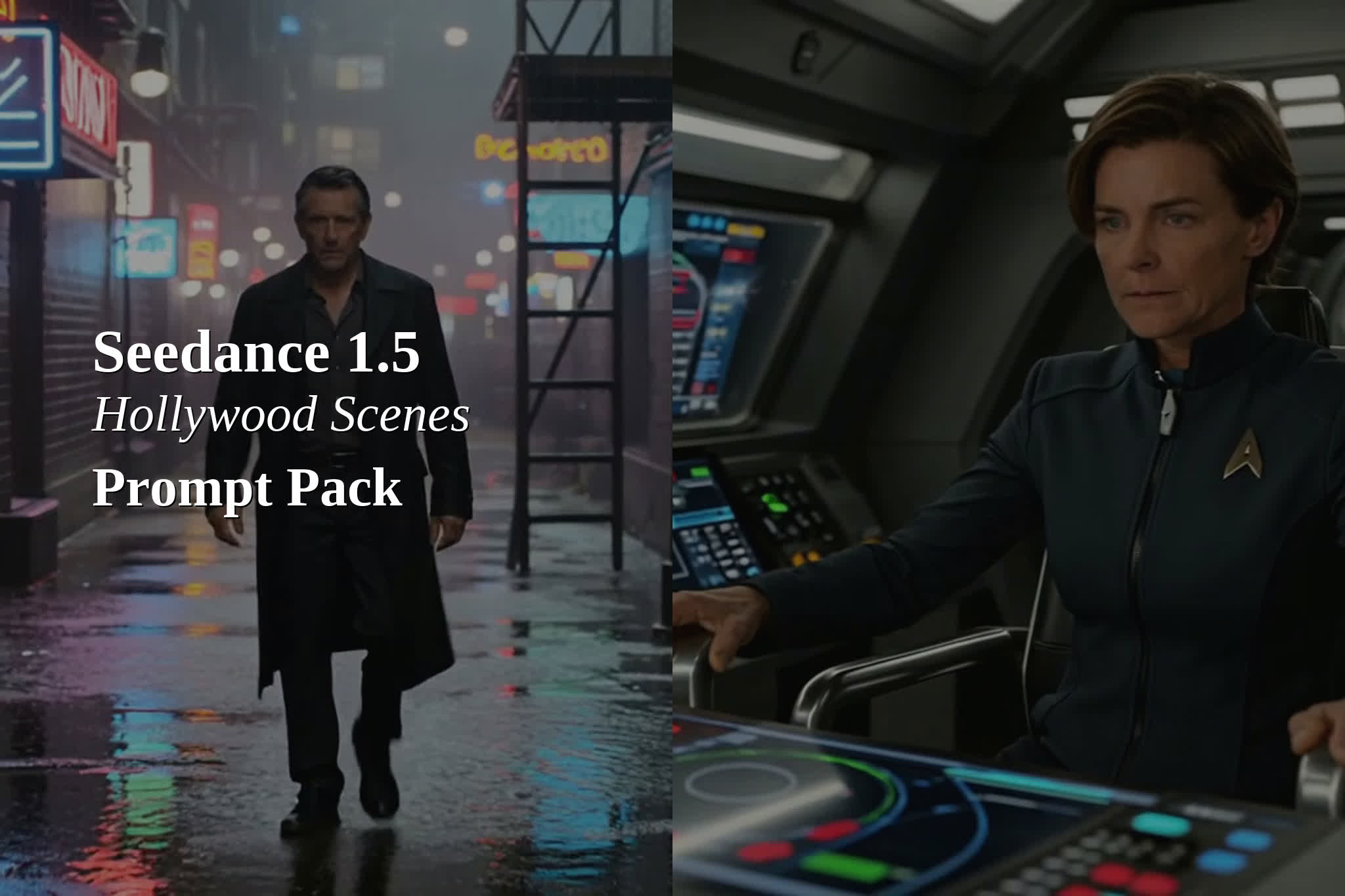
  • 6 Hollywood-Style Cinematic Prompts for Seedance 1.5 Pro (With Native Audio)

    6 Hollywood-Style Cinematic Prompts for Seedance 1.5 Pro (With Native Audio)

    Seedance 1.5 Pro can generate film-like shots with native audio when prompts read like a director’s shot list plus a sound cue sheet. This prompt pack focuses on Hollywood-style cinematic scenes: clear blocking, one strong camera move, and short dialogue lines in quotes.

    Recommended settings for this pack

    Model Seedance 1.5 Pro (text-to-video)
    Aspect ratio 16:9
    Resolution 720p
    Duration 5 seconds
    Audio On

    The four-layer prompt template

    • Layer 1: Subject + primary action (what happens on screen)
    • Layer 2: Dialogue or key sound in quotes
    • Layer 3: Environmental audio cues (comma-separated)
    • Layer 4: Visual style + mood (lens, lighting, camera, tone)

    Template: Subject/action, “dialogue or key sound”, ambience + foley cues, visual style + mood.

    12 Hollywood-style cinematic prompts (copy/paste)

    1) Neo-noir alley (output example)

    Prompt: Lone detective in a rain-soaked neon alley walks toward camera, trench coat swaying, turns to glance over shoulder, “Keep moving.”, rain on metal fire escape, distant police siren, footsteps in puddles, neon sign buzz, neo-noir thriller, 35mm film grain, anamorphic bokeh, slow dolly-in, tense mood.

    2) Starship bridge command (output example)

    Prompt: On a futuristic starship bridge, female captain grips the armrest and leans forward as the ship lights flicker, “Engage.”, low engine hum, warning beeps, comm chatter, distant metal creaks, high-budget sci-fi, crisp volumetric lighting, shallow depth of field, subtle handheld, urgent mood.

    3) Desert standoff (output example)

    Prompt: At sunset in a wide desert plain, a lone rider on a motorcycle stops and removes helmet, sand gusts swirl, “You are late.”, wind gusts, distant thunder, gravel crunch, cloth flap, cinematic western, long lens compression, warm golden light, slow push-in, suspense mood.

    4) Epic fantasy throne room (output example)

    Prompt: In a grand candlelit throne room, armored warrior steps onto marble and raises a sword toward the throne, “For the realm.”, echoing footsteps, armor clink, torch crackle, distant choir swell, epic fantasy, dramatic chiaroscuro, slow crane down, heroic mood.

    5) Heist control room (output example)

    Prompt: In a dim control room, hacker woman types fast on multiple screens, code reflections on her face, glances up as a timer hits zero, “Now.”, keyboard clicks, server fans, muffled radio chatter, city rain outside, modern heist, cool blue lighting, tight close-up, intense mood.

    6) Prestige drama close-up (output example)

    Prompt: Close-up of a woman in a candlelit apartment holding a crumpled letter, a tear falls, she exhales and looks into camera, “I could not save it.”, soft room tone, distant traffic, faint clock tick, paper rustle, prestige drama, soft film grain, gentle handheld, intimate mood.


    Quick prompting rules for “Hollywood” results

    • One scene, one main subject, one camera move.
    • Keep dialogue short. Let ambience do the rest.
    • Add 2-4 sound cues. Avoid long audio lists in 5 seconds.
    • If the model invents text overlays, add: “no on-screen text”.

    TRY NOW

    Run the prompts on seedance2pro.video, then iterate by changing one thing at a time: lens, lighting, camera move, or dialogue line. The fastest upgrades come from tighter shot lists, not longer paragraphs.