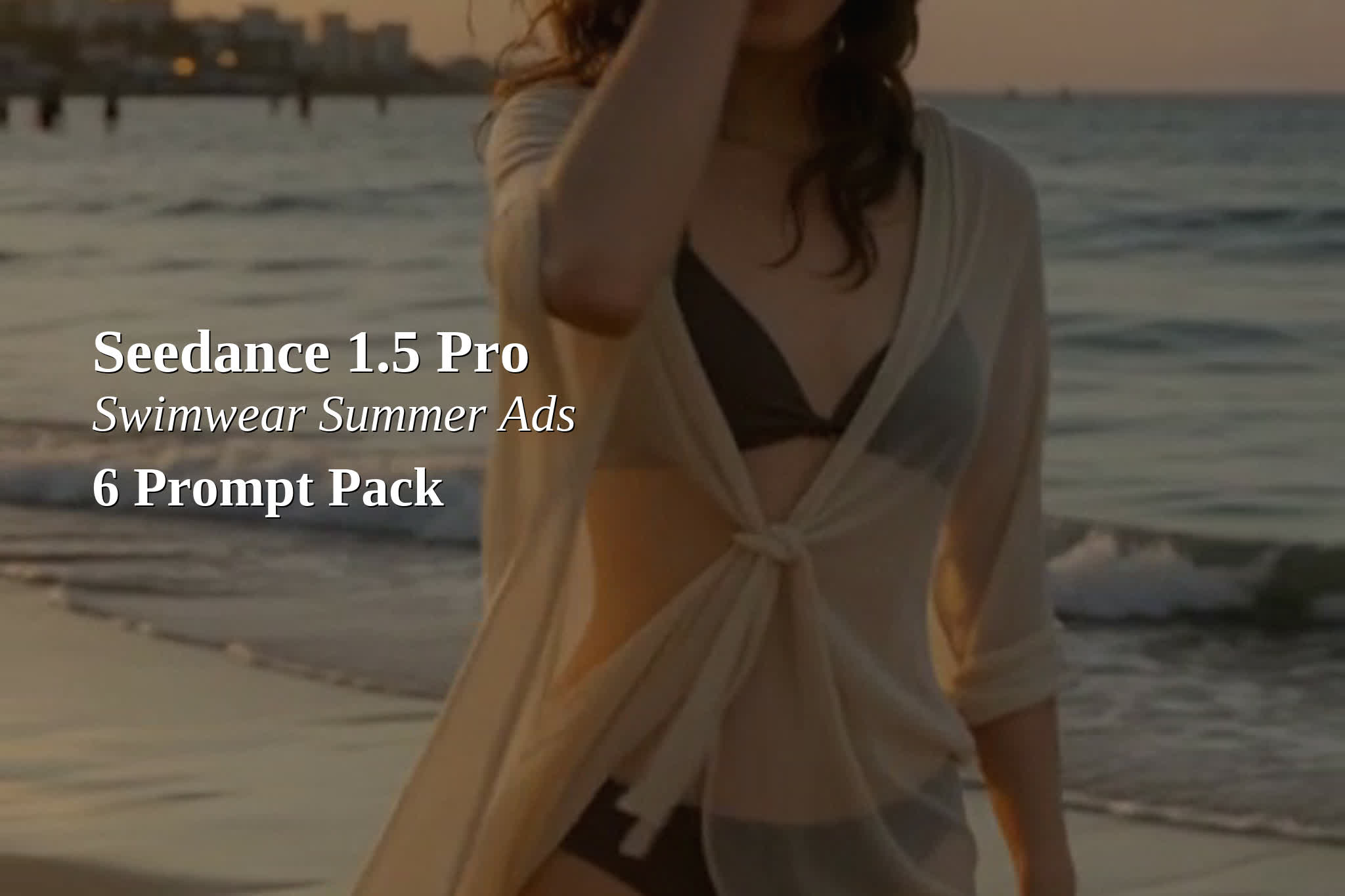
Seedance 1.5 Pro swimwear ad prompts work best when the prompt reads like a simple shot list plus clear audio cues. This pack targets summer swimwear creative with adult bikini models. The style stays tasteful and non-sexual, with no nudity and no see-through fabric.
Prompt: Adult woman (25 years old) in a sporty modest bikini serves a beach volleyball and laughs, sand kicks up, teammates blurred in background, “Set. Spike. Shine.”, ocean waves, volleyball thump, light crowd cheers, seagulls, summer fashion ad, golden hour sunlight, 9:16 vertical commercial framing, smooth gimbal tracking, shallow depth of field, tasteful non-sexual styling, no nudity, no see-through fabric, no on-screen text.
2) Poolside sunscreen application
Prompt: Adult woman (25 years old) in a modest bikini sits poolside and applies sunscreen to her shoulder, product in hand, camera pushes in, “SPF on. Day on.”, water splash, sunscreen cap click, soft pool ambience, distant kids laughing, clean lifestyle ad, bright midday sun, crisp highlights, 9:16 vertical, slow dolly-in, realistic skin texture, tasteful non-sexual styling, no nudity, no see-through fabric, no on-screen text.
3) Surfboard walk to the shoreline
Prompt: Adult woman (25 years old) in a modest bikini carries a surfboard down to the shoreline, looks over her shoulder and smiles, “Meet you in the water.”, waves rolling in, board wax squeak, footsteps on wet sand, distant gulls, premium surf ad, golden backlight, lens flare, 9:16 vertical, smooth follow shot, cinematic contrast, tasteful non-sexual styling, no nudity, no see-through fabric, no on-screen text.
4) Beach lounge + sparkling water
Prompt: Adult woman (25 years old) in a modest bikini reclines on a beach lounge chair, adjusts sunglasses, takes a sip from a cold sparkling water can, “Just one more hour.”, can fizz, ice clink, soft wind, waves in distance, luxury summer ad, warm sun, clean skin highlights, 9:16 vertical, slow tilt up, shallow depth, tasteful non-sexual styling, no nudity, no see-through fabric, no on-screen text.
5) Beach smoothie bar order
Prompt: Adult woman (25 years old) in a modest bikini stands at a small beach smoothie bar, points to a menu, the bartender hands her a cold drink, “Mango, extra ice.”, blender whirr, ice clatter, beach music far away, waves, bright colorful ad, midday sun, saturated tropical colors, 9:16 vertical, quick rack focus from menu to her smile, tasteful non-sexual styling, no nudity, no see-through fabric, no on-screen text.
6) Sunset shoreline walk (closing shot)
Prompt: Adult woman (25 years old) in a modest bikini with a light beach cover-up walks along the shoreline at sunset, turns and brushes wet hair back, “This is my season.”, gentle waves, soft wind, distant beach chatter, footsteps in sand, cinematic summer closing shot, warm orange sky, soft film grain, 9:16 vertical, slow steadycam push-in, tasteful non-sexual styling, no nudity, no see-through fabric, no on-screen text.
Notes for cleaner ad outputs
Keep the dialogue line short. One line works better than a full sentence in 5 seconds.
If the model invents overlay text, repeat: “no on-screen text” and avoid mentioning brands.
For more product focus, add: “close-up on sunscreen bottle” or “logo-free plain packaging”.
For less motion blur, change the camera move to: “slow dolly-in” or set “fix camera” on.
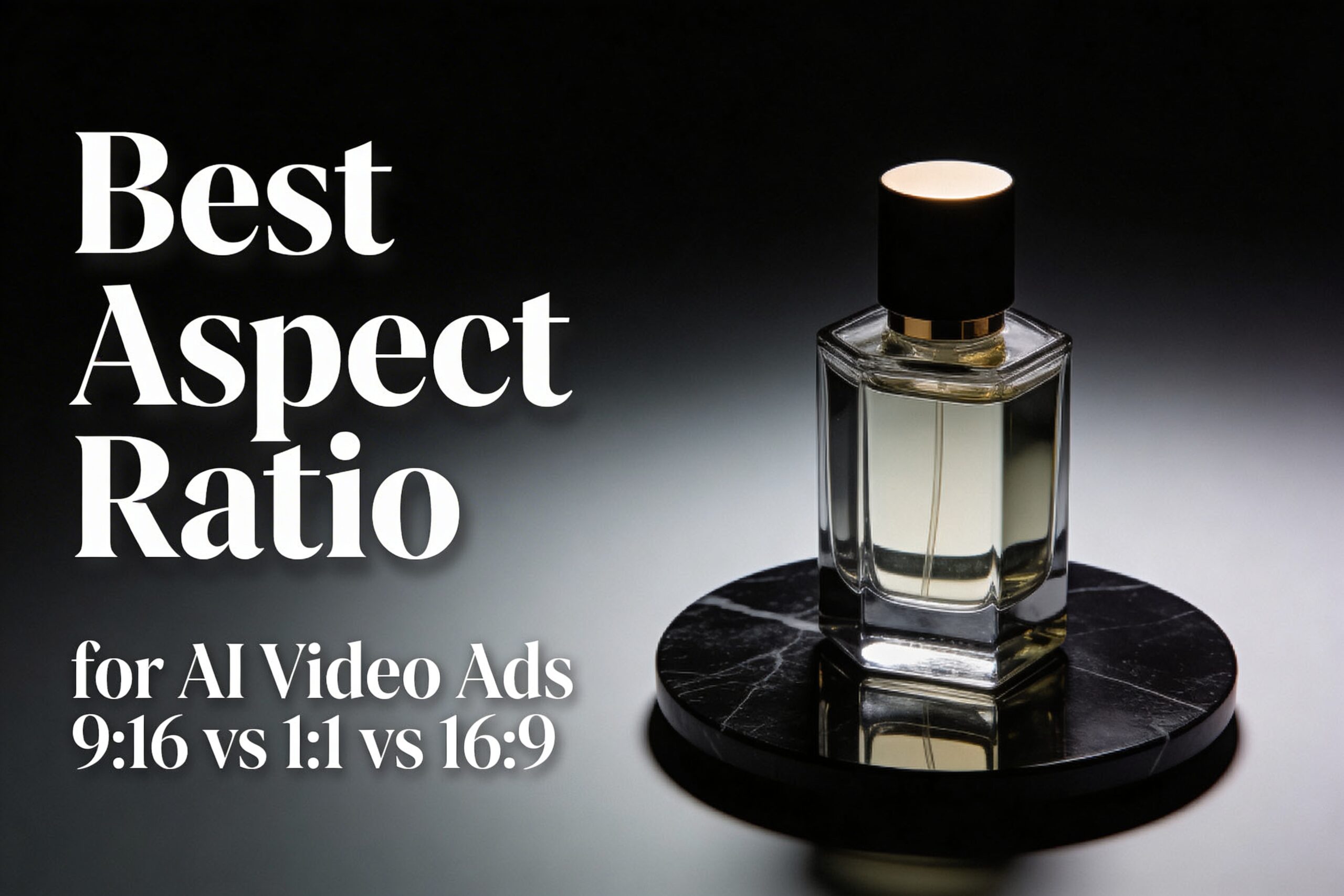
The best aspect ratio for AI video ads depends on where the clip runs. This test shows what changes when only the frame changes: 9:16 vs 1:1 vs 16:9, using the same Seedance 1.5 setup.
Best aspect ratio for AI video ads: quick verdict
9:16 (vertical): best default for TikTok/Reels/Shorts style placements. It fills the screen and keeps the product big.
1:1 (square): safest for multi-placement campaigns. It crops cleanly for feeds and carousels.
16:9 (landscape): best for YouTube-style placements, landing pages, and product pages. It gives more room for context.
Test setup (Seedance 1.5)
The test was run three times with the same prompt, the same first frame, and the same settings. Only the ratio changed.
Model: Seedance 1.5 (image-to-video)
Duration: 5s
Resolution: 480p
Audio: off
Seed: 1
Camera: slow orbit + slight push-in
First frame used (input)
Prompt: Commercial product photo of a luxury perfume bottle (clear glass, amber liquid) standing centered on a matte black marble surface. Soft studio key light from the left, gentle rim light on the right, realistic reflections, shallow depth of field. Clean background with subtle dark gradient. Leave extra negative space around the product for safe cropping. Ultra realistic, high detail.
Prompt used for all three videos
Prompt: A cinematic studio product ad. The luxury perfume bottle from the first frame stands centered on the matte black marble surface. The camera makes a slow smooth orbit with a slight push-in. Keep the product sharp and realistic, with clean reflections and soft specular highlights. Dark premium background, no text.
Results: 9:16 vs 1:1 vs 16:9 (what changes)
Aspect ratio changes three practical things: how big the product feels, where empty space ends up, and how risky future crops become.
Ratio
Best for
What it changes in AI outputs
Common failure mode
9:16
Reels, TikTok, Shorts, story-style ads
Forces tighter framing. The product stays large. Background details get sacrificed first.
Over-tight crops that clip the top/bottom of the subject.
1:1
Feeds, carousels, mixed placements
Balanced framing. Usually the safest for later crops.
Too much empty space if the prompt expects a tall frame.
16:9
YouTube placements, landing pages, product pages
Adds lateral context. The product can feel smaller unless the prompt forces center framing.
Subject drift to the side, making later vertical crops painful.
9:16 (vertical): best for full-screen attention
9:16 makes the product feel closer. That is good for quick-scroll placements. It also reduces the amount of background the model needs to invent.
Prompt: Same prompt and settings as the test setup. Ratio: 9:16. Duration: 5s. Resolution: 480p. Audio: off.Prompt: Same prompt and settings as the test setup. Ratio: 9:16.
When 9:16 wins
The ad will run as a full-screen mobile placement.
The product must stay large and readable.
The edit will add captions or overlays, so the frame needs strong contrast.
1:1 (square): safest for multi-placement reuse
1:1 usually survives the most reuse. It can be cropped to 4:5, 9:16, or 16:9 later with fewer surprises. It is the best default when the final placement is unknown.
Prompt: Same prompt and settings as the test setup. Ratio: 1:1. Duration: 5s. Resolution: 480p. Audio: off.Prompt: Same prompt and settings as the test setup. Ratio: 1:1.
When 1:1 wins
The same creative must work across multiple feeds.
The editor needs flexibility for future crops.
The product must stay centered with minimal layout risk.
16:9 (landscape): best for context and web placements
16:9 gives more room for shadows, surfaces, and background context. It can look more “cinematic”. For ads, it often needs a stronger instruction to keep the product centered and large.
Prompt: Same prompt and settings as the test setup. Ratio: 16:9. Duration: 5s. Resolution: 480p. Audio: off.Prompt: Same prompt and settings as the test setup. Ratio: 16:9.
When 16:9 wins
The clip will live on a landing page, product page, or YouTube placement.
The ad needs more environmental context than a tight product hero shot.
The creative wants extra room for on-screen copy in post (without covering the product).
A prompt template that stays crop-safe
Use this structure when the same concept must survive multiple ratios:
Start with the format: “commercial product ad video”
Force composition: “product centered” + “leave negative space”
Pick one camera move: “slow push-in” or “slow orbit”
Lock brand safety: “no text, no logos”
Template: [RATIO] commercial product ad video. [SUBJECT] centered on [SURFACE]. Soft studio lighting, realistic reflections. One smooth camera move: [MOVE]. Clean background, no text, no logos. Leave negative space for safe cropping.
Common mistakes (and how to avoid them)
Changing two variables at once: keep prompt, seed, duration, and resolution fixed when testing ratios.
Letting the subject drift: add “centered” and “keep the product centered” to the prompt.
Forgetting overlay safe areas: keep key details away from the top and bottom edges for vertical placements.
FAQ
Should 9:16 always be used for AI video ads?
No. 9:16 is a strong default for full-screen mobile placements. If the creative must be reused across feeds, 1:1 is often safer.
Is it better to generate one ratio and crop later?
For AI video, generating the target ratio usually looks cleaner. Crops can cut off motion and composition. If one master is needed, 1:1 often survives cropping best.
What if the placement is unknown?
Start with 1:1 and keep the subject centered. Then regenerate 9:16 for Reels/TikTok if the campaign needs a full-screen version.
Try it on Seedance 1.5
Run the same prompt in 9:16, 1:1, and 16:9. Change only one variable at a time. Then pick the ratio that matches the placement.
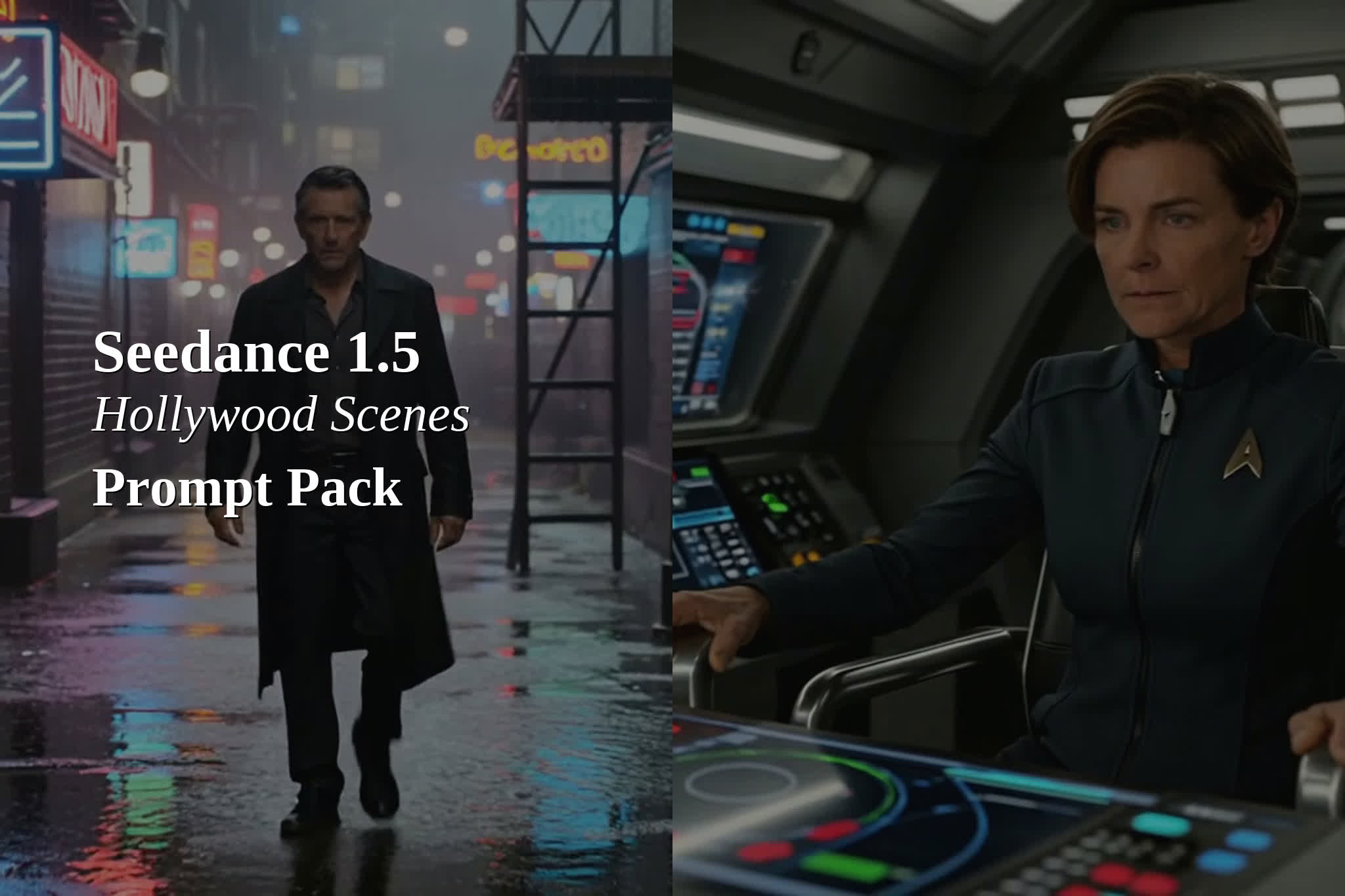
Seedance 1.5 Pro can generate film-like shots with native audio when prompts read like a director’s shot list plus a sound cue sheet. This prompt pack focuses on Hollywood-style cinematic scenes: clear blocking, one strong camera move, and short dialogue lines in quotes.
Recommended settings for this pack
Model
Seedance 1.5 Pro (text-to-video)
Aspect ratio
16:9
Resolution
720p
Duration
5 seconds
Audio
On
The four-layer prompt template
Layer 1: Subject + primary action (what happens on screen)
Prompt: Lone detective in a rain-soaked neon alley walks toward camera, trench coat swaying, turns to glance over shoulder, “Keep moving.”, rain on metal fire escape, distant police siren, footsteps in puddles, neon sign buzz, neo-noir thriller, 35mm film grain, anamorphic bokeh, slow dolly-in, tense mood.
2) Starship bridge command (output example)
Prompt: On a futuristic starship bridge, female captain grips the armrest and leans forward as the ship lights flicker, “Engage.”, low engine hum, warning beeps, comm chatter, distant metal creaks, high-budget sci-fi, crisp volumetric lighting, shallow depth of field, subtle handheld, urgent mood.
3) Desert standoff (output example)
Prompt: At sunset in a wide desert plain, a lone rider on a motorcycle stops and removes helmet, sand gusts swirl, “You are late.”, wind gusts, distant thunder, gravel crunch, cloth flap, cinematic western, long lens compression, warm golden light, slow push-in, suspense mood.
4) Epic fantasy throne room (output example)
Prompt: In a grand candlelit throne room, armored warrior steps onto marble and raises a sword toward the throne, “For the realm.”, echoing footsteps, armor clink, torch crackle, distant choir swell, epic fantasy, dramatic chiaroscuro, slow crane down, heroic mood.
5) Heist control room (output example)
Prompt: In a dim control room, hacker woman types fast on multiple screens, code reflections on her face, glances up as a timer hits zero, “Now.”, keyboard clicks, server fans, muffled radio chatter, city rain outside, modern heist, cool blue lighting, tight close-up, intense mood.
6) Prestige drama close-up (output example)
Prompt: Close-up of a woman in a candlelit apartment holding a crumpled letter, a tear falls, she exhales and looks into camera, “I could not save it.”, soft room tone, distant traffic, faint clock tick, paper rustle, prestige drama, soft film grain, gentle handheld, intimate mood.
Quick prompting rules for “Hollywood” results
One scene, one main subject, one camera move.
Keep dialogue short. Let ambience do the rest.
Add 2-4 sound cues. Avoid long audio lists in 5 seconds.
If the model invents text overlays, add: “no on-screen text”.
TRY NOW
Run the prompts on seedance2pro.video, then iterate by changing one thing at a time: lens, lighting, camera move, or dialogue line. The fastest upgrades come from tighter shot lists, not longer paragraphs.
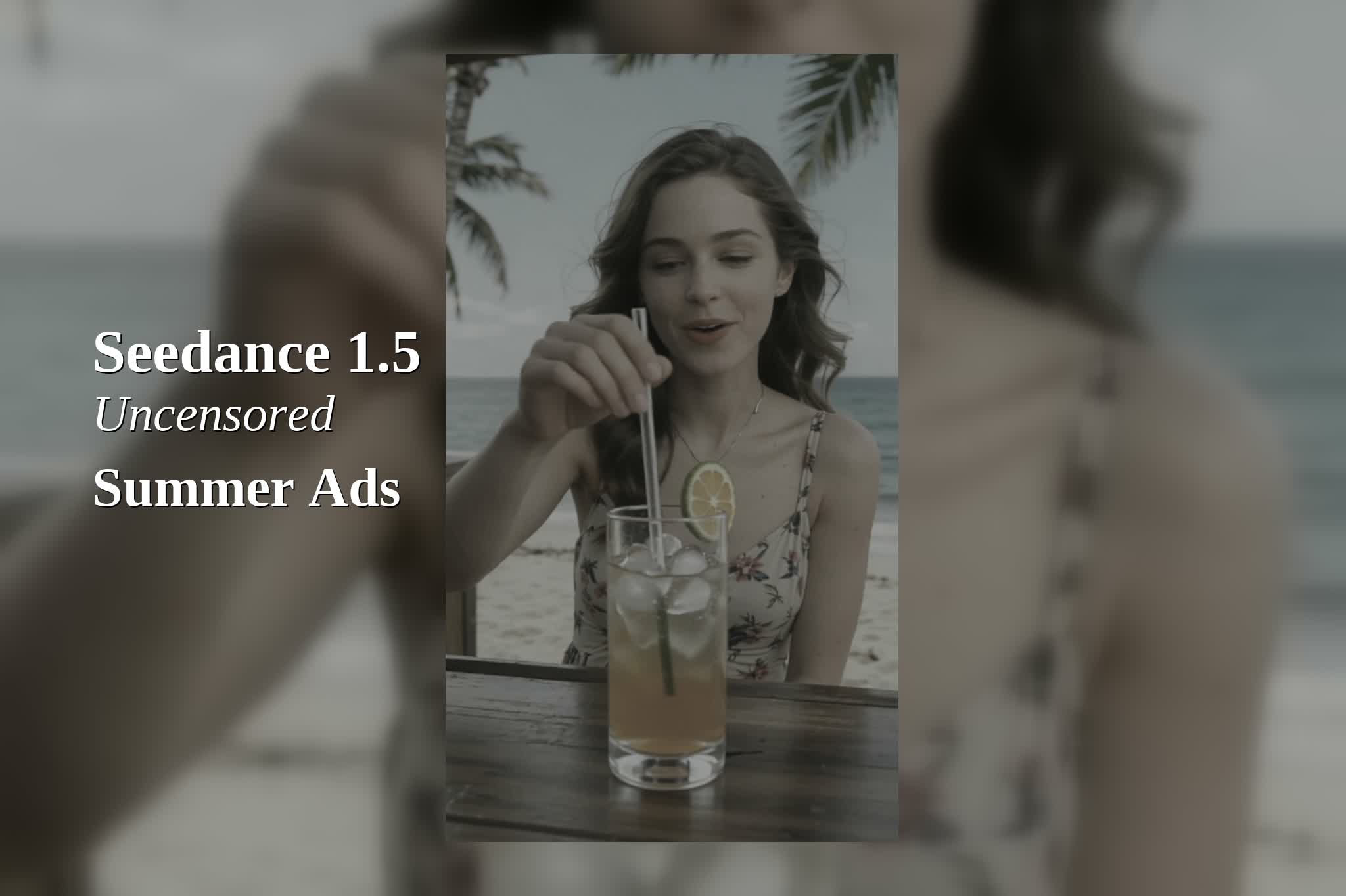
Seedance uncensored (Seedance 1.5 Uncensored) can generate short native-audio ad clips fast. This version of the summer prompt pack keeps one extra rule: every video includes an adult woman on camera.
All six prompts follow a four-layer structure so the model gets a clear shot list plus audio cues. Notes below reference a mid-frame check around 2.5s. A full playthrough still matters for motion and audio timing.
The four-layer prompt structure used in these videos
Layer 1 (Subject + action): Who is in frame and what happens.
Layer 2 (Dialogue or key sound in quotes): One short line like “Reapply and go.”
Layer 3 (Environmental audio cues): Comma-separated ambience and foley.
Layer 4 (Style + mood): The ad look and emotional tone.
Test setup
Model
Seedance 1.5 Uncensored (text-to-video)
Aspect ratio
9:16
Resolution
480p
Duration
5 seconds
Audio
On
6 summer ad prompts (women in every clip)
1) Sunscreen application (beach towel)
Mid-frame note: Clear product interaction and strong summer vibe. Tube label details looked soft, so final branding may need a clean overlay. Commercial usability: High.
Prompt: Adult woman sitting on a beach towel applies sunscreen to her shoulder and holds the tube close to camera, “SPF 50. No white cast.”, ocean waves, seagulls, sunscreen cap click, soft breeze, sun-drenched lifestyle ad, warm film color, shallow depth of field, upbeat summer mood.
2) Pool edge lifestyle (splash moment)
Mid-frame note: The pool setting reads instantly, but the face can get obscured by motion blur and some pool-lounger reflections look odd. Commercial usability: Medium.
Prompt: Adult woman in a wide-brim sun hat lounges at pool edge and flicks water with her hand, “Splash and glow.”, pool water splashes, distant laughter, light breeze, resort ambience, bright clean commercial look, crisp reflections, playful summer vibe.
3) Beach bar drink push (ice clink)
Mid-frame note: Strong product moment with a clear drink hero. Minor reflection quirks show up on glass and garnish edges, but the shot stays usable. Commercial usability: High.
Prompt: Adult woman at a beach bar slides an iced citrus drink toward the camera and smiles, “Ice cold. Summer ready.”, ice clink, straw tap, ambient beach music, ocean hush, palm leaves rustle, glossy beverage ad, high contrast highlights, relaxed vacation mood.
4) Sunglasses put-on (fashion close-up)
Mid-frame note: The action reads, but this clip introduced unexpected on-screen text overlays and lens-reflection artifacts. Adding “no on-screen text” to the prompt often helps. Commercial usability: Medium.
Prompt: Adult woman lifts matte black sunglasses, puts them on, then turns her head toward the sun, “UV on. Worries off.”, fabric swish, soft hinge click, distant waves, beach crowd murmur, breezy fashion ad, clean reflections, minimal background, confident summer mood.
5) After-sun skincare (mirror trust shot)
Mid-frame note: A calm, trust-building mirror scene. Jar branding stays generic, but the human moment feels real and ad-friendly. Commercial usability: High.
Prompt: Adult woman in a bright beach house bathroom applies a cooling after-sun gel to her cheek and smiles in the mirror, “Calm, cool, and ready.”, gentle water running, towel rustle, small jar click, quiet room tone, clean skincare ad, soft morning light, natural skin texture, soothing mood.
6) Tote-bag UGC sunscreen routine (zipper + squeeze)
Mid-frame note: The concept sells reapplication, but the crop can cut off the face and the lotion blob can look unnatural. A wider shot and simpler dispense action usually improves stability. Commercial usability: Medium.
Prompt: Adult woman opens a beach tote, pulls out sunscreen, applies it to her forearm, then raises the tube in a hero pose, “Reapply and go.”, zipper sound, cap click, lotion squeeze, ocean waves, light breeze, fast UGC-style ad, handheld feel, bright midday sun, energetic mood.
Scorecard (mid-frame commercial usability)
Prompt
Usability
Main issue
Sunscreen application
High
Label detail soft
Pool edge splash
Medium
Motion blur + reflections
Beach bar drink
High
Minor glass reflections
Sunglasses put-on
Medium
Text overlay + lens artifacts
After-sun mirror
High
Generic jar branding
Tote-bag routine
Medium
Crop + lotion realism
Prompting tips when every clip must include a woman
State “adult woman” in Layer 1 to avoid age ambiguity.
Keep the dialogue line short, then use Layer 3 for sound texture.
If the face matters, request a “medium close-up” and avoid fast hand moves.
Add “no on-screen text” when the model tries to invent overlays.
Run these prompts on seedance2pro.video and tweak one variable at a time: camera move, dialogue length, and audio density. For the cleanest results, treat each clip like one shot, not a whole montage.
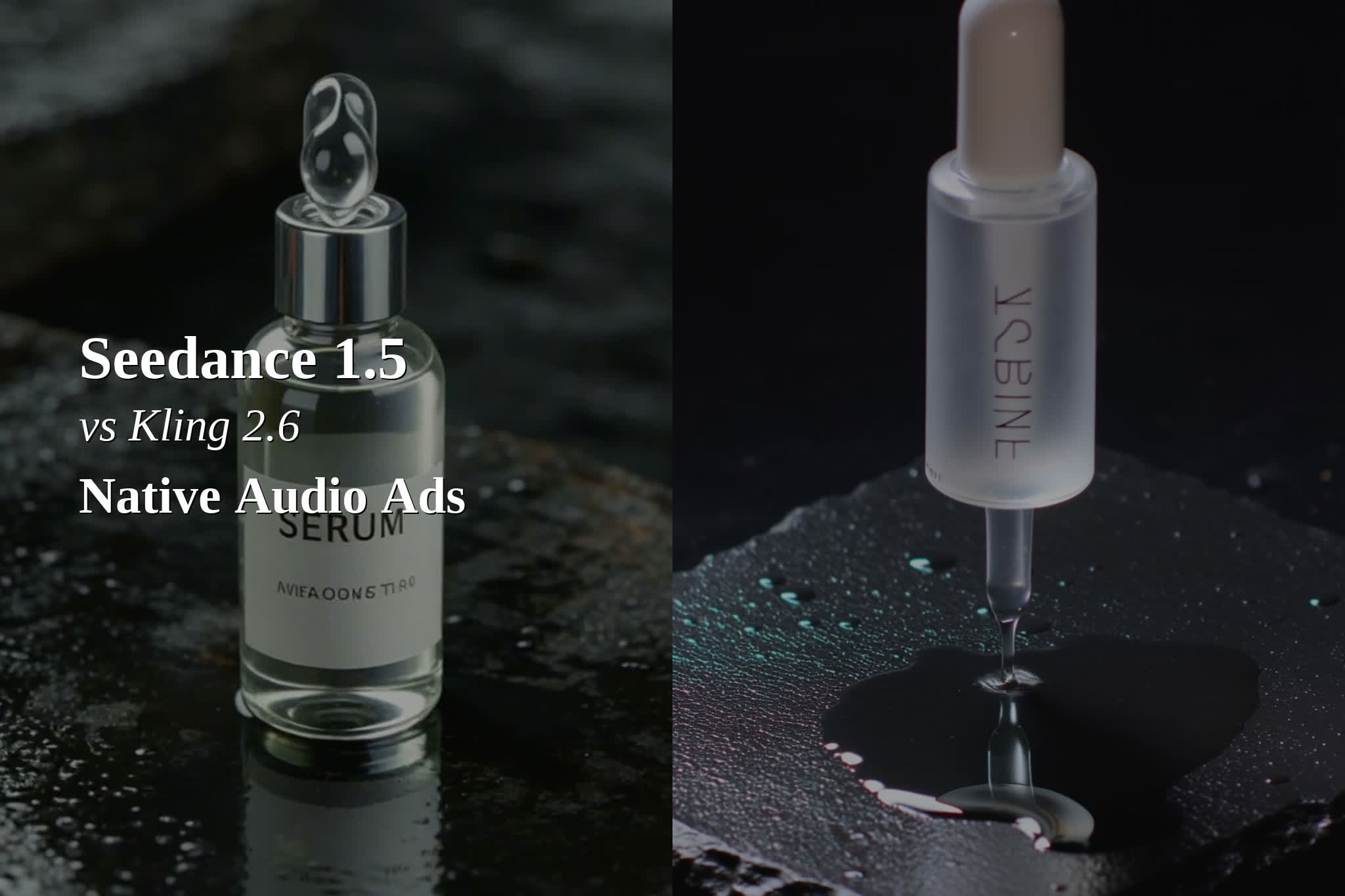
Seedance 1.5 vs Kling 2.6 looks like a simple text-to-video comparison, but native audio changes what “good” means for ads. If the model can land voice, foley, and ambience in the same render as the visuals, the edit step shrinks.
This post runs one skincare-serum campaign concept through both models with audio enabled. It uses five 9:16 prompts. The notes below reference the mid-frame around 2.5s. A full playthrough still matters for motion and audio quality.
Seedance 1.5 vs Kling 2.6: test setup
Use case
Native-audio product ads (UGC + studio)
Mode
Text-to-video
Aspect ratio
9:16
Resolution
480p
Duration
5 seconds per clip
Audio
On
Quick takeaways (based on the mid-frame)
Seedance read more product-forward in the macro hero and the lab shot. The bottle framing and ripple action looked clearer.
Kling looked more “ad-ready” in the unboxing and the skin close-up. The compositions were cleaner and more focused.
Stress test risk showed up in Kling’s montage mid-frame, which went fully abstract at that timestamp.
Prompt-by-prompt results
Prompt 1: Macro product hero (wet slate + ripple)
Prompt: 9:16 cinematic macro product ad. A frosted glass dropper bottle labeled SERUM stands on wet black slate. A droplet falls into a puddle and ripples. Audio: water drip, subtle glass clink, airy synth swell.
Seedance kept a clean, centered bottle with readable “SERUM” in the mid-frame. Kling leaned more stylized, with a vertical label look and a floating-dropper feel.
Seedance 1.5 outputKling 2.6 output
Prompt 2: UGC unboxing (hands + box sounds)
Prompt: 9:16 handheld UGC unboxing at a tidy desk. Two hands open a kraft box and pull out a frosted serum bottle. Audio: cardboard tear, tissue crinkle. Dialogue: “Just one drop and it feels so light.”
Both outputs showed hands and a box. In the mid-frame, Seedance included extra objects that distracted from the reveal. Kling kept a cleaner desk and a clearer product-first moment.
Seedance 1.5 outputKling 2.6 output
Prompt 3: Bathroom application (drop on skin)
Prompt: 9:16 bathroom mirror shot. A person applies one drop of serum, then turns toward camera. Audio: gentle water running, fingertip tap on glass. Dialogue: “No sticky finish. Ready in seconds.”
Seedance framed a mirror scene with multiple products visible. Kling delivered a tight cheek close-up with a clear serum droplet and minimal background, which reads fast in a scroll.
Seedance 1.5 outputKling 2.6 output
Prompt 4: Lab droplet (science texture)
Prompt: 9:16 slow-motion lab shot. A clear droplet falls into a beaker and creates ripples. Match-cut to the serum bottle rotating. Audio: liquid splash, brief whoosh, soft click.
Seedance produced a crisp, centered beaker frame with strong ripple geometry. Kling looked more shallow-focus and cinematic, but the ripple action read weaker in the mid-frame.
Seedance 1.5 outputKling 2.6 output
Prompt 5 (stress test): Fast montage with whip-pan
Prompt: 9:16 fast ad montage. Cap twist, dropper squeeze, product on marble, final hero shot with warm bokeh. One continuous camera move with a whip-pan. Audio: cap twist, marble tap. Dialogue: “Glow now.”
Seedance still showed product and serum texture in the mid-frame. Kling’s mid-frame landed on an abstract bokeh plate with no product visible at that timestamp. That can work as a transition, but it is risky for a 5-second sell.
Seedance 1.5 outputKling 2.6 output
Comparison table: best fit by ad task
Ad task
Seedance 1.5
Kling 2.6
Macro product hero
Clearer mid-frame product read
More stylized mid-frame
UGC unboxing
More clutter mid-frame
Cleaner reveal mid-frame
Serum-on-skin close-up
More context, more distractions
Stronger close-up read
Lab ingredient visual
Stronger ripple action mid-frame
Shallow-focus look
Fast montage stress test
Product stayed visible mid-frame
Mid-frame went abstract
Prompting tips for native-audio ads
Keep dialogue to one short line.
List foley like a checklist: “Audio: drip, clink, whoosh.”
Pick one camera move per clip.
If a montage fails, split it into separate 5-second renders.
Verdict (what to pick first)
For product-first creatives (macro hero, ingredient visuals), Seedance 1.5 looked safer in this concept test because the mid-frames kept the product readable and centered more often.
For UGC-style creatives (hands, faces, tight close-ups), Kling 2.6 looked stronger in this concept test because the mid-frames stayed cleaner and more ad-like, with fewer distractions.
Run these five prompts on seedance2pro.video and compare outputs side by side. Change one variable at a time: duration, camera movement, and audio density. The fastest improvements usually come from simpler prompts.
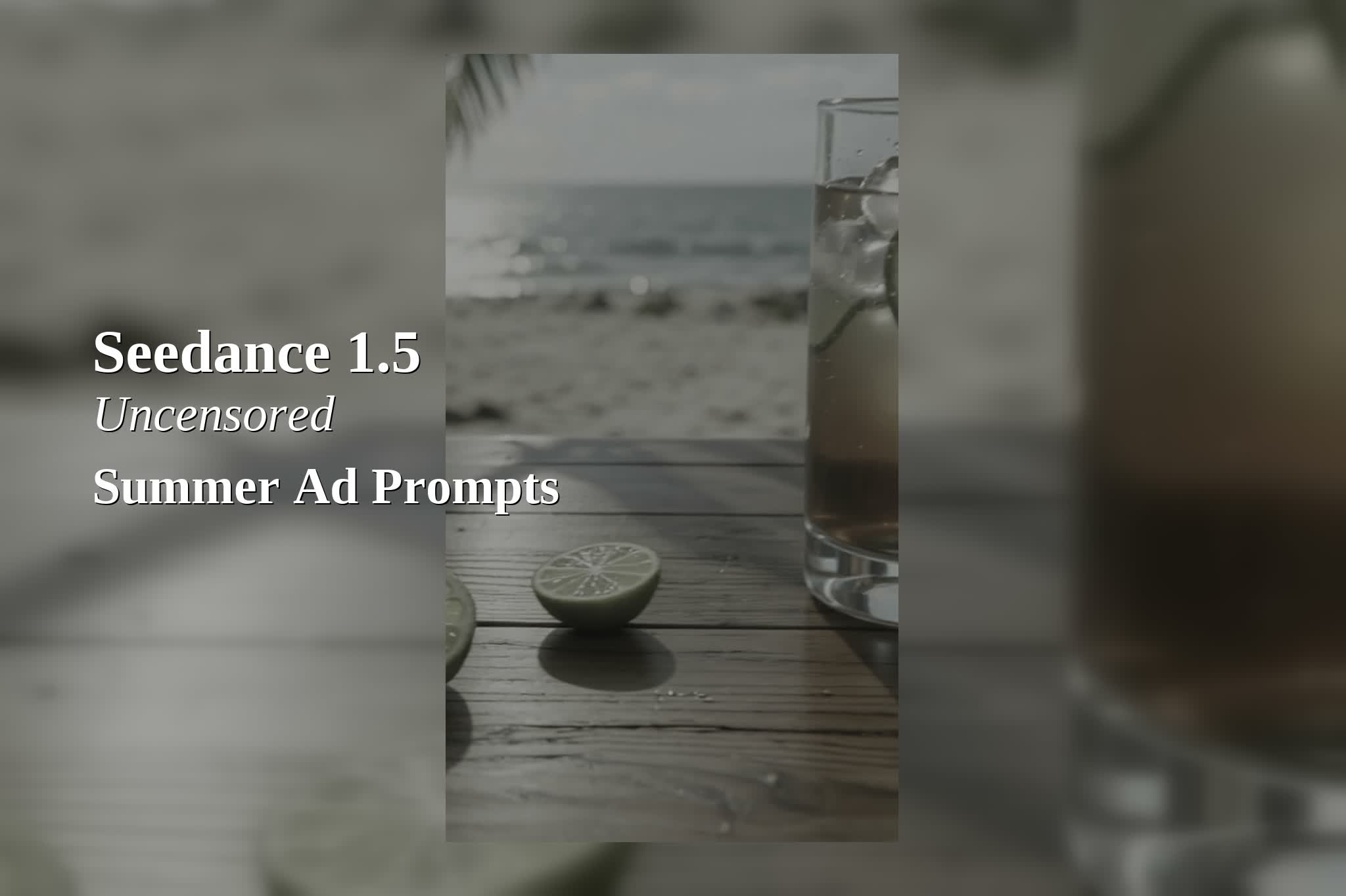
Seedance uncensored (Seedance 1.5 Uncensored) can generate short 9:16 ad clips fast, with an optional native-audio track. For summer campaigns, that matters because waves, splashes, ice clinks, and quick VO lines often sell the mood as much as the visuals.
This review runs six summer ad prompts set at the beach and pool. Every clip uses the same baseline settings. Notes below reference a mid-frame check around 2.5s. A full playthrough still matters for motion and audio timing.
What Seedance 1.5 Uncensored does well for summer ads
Vertical-ready output: 9:16 compositions work for TikTok, Reels, and Shorts.
Native audio toggle: Prompts can request ambience, foley, and short narration.
Product + lifestyle range: It can switch from studio-style hero shots to beach action.
Test setup
Model
Seedance 1.5 Uncensored (text-to-video)
Aspect ratio
9:16
Resolution
480p
Duration
5 seconds
Audio
On
6 summer ad prompt tests (with real outputs)
1) Sunscreen hero on sand (beach ambience)
Mid-frame note: Strong composition and beach mood. The label typography looked warped, so product branding may need cleanup. Commercial usability: Medium.
Prompt: 9:16 summer sunscreen ad. SPF 50 bottle on warm sand, ocean waves in background, sun flare, slow camera orbit. Audio: waves, seagulls, soft whoosh.
2) Pool float (sparkle + splashes)
Mid-frame note: Very on-theme and visually fun. Minor repeating water ripples showed up, but the shot still reads ad-ready. Commercial usability: High.
Prompt: 9:16 poolside shot. Colorful inflatable ring drifting in a clear pool, sun glitter, slow push-in. Audio: water splash, distant laughter, light breeze.
3) Iced drink at a beach bar (ice clink + pour)
Mid-frame note: Best overall lifestyle mood. The drink, lime, and ocean bokeh composition reads like a real beverage ad. The lime texture looked slightly CG, but not deal-breaking. Commercial usability: High.
Prompt: 9:16 beach bar ad. Iced citrus drink with condensation on a wooden bar, palm leaf shadows, slow tilt. Audio: ice clink, drink pour, ambient beach.
4) Sunglasses on a towel (hand reveal)
Mid-frame note: Stylish product reveal, but lens reflections showed odd artifacts and the hand details looked slightly off. Commercial usability: Medium.
Prompt: 9:16 sunglasses product ad. Matte black sunglasses on a striped beach towel. A hand slides them into frame. Clean reflections, shallow depth of field. Audio: fabric swish, soft click.
Mid-frame note: Energy is there, but the player looked cropped/warped and the crowd background repeated. This type of sports action tends to fail first at low resolution. Commercial usability: Low.
Prompt: 9:16 beach volleyball action. A volleyball spikes over the net, sand kicks up, tracking camera, golden hour light. Audio: ball hit, footsteps on sand, short cheer.
6) Sunscreen montage (VO + foley + whip-pan)
Mid-frame note: The concept works and the framing sells sunscreen use. The lotion stream and label clarity looked soft. This prompt stacks many beats into five seconds, so splitting into two clips may improve stability. Commercial usability: Medium.
Prompt: 9:16 fast summer montage. Sunscreen cap twist, lotion squeeze onto hand, quick rub on forearm, bottle hero shot. One whip-pan camera move. Audio: cap twist, squeeze, rub, ocean ambience. Narration: “SPF 50. No white cast.”
Scorecard
Prompt
Commercial usability (mid-frame)
Why
Sunscreen hero
Medium
Great mood, but label text warped
Pool float
High
Clean read, minor water repeat
Iced drink
High
Strong composition and lighting
Sunglasses reveal
Medium
Lens reflections + hand artifacts
Volleyball action
Low
Subject cropping + background repeats
Montage
Medium
Good idea, needs simpler beats
Prompting tips for beach and pool ads
Keep one subject per clip. Product hero and action scenes rarely mix well in 5 seconds.
Write audio as a list: “Audio: waves, seagulls, ice clink.”
Use one camera move. Orbit or push-in. Avoid orbit + whip-pan together.
For sports scenes, move up in resolution and reduce crowd density to avoid repeats.
Verdict: the best summer ad templates to start with
The pool float and iced drink prompts looked like the strongest starting points. They keep the scene simple, the subject readable, and the mood instantly summer. They also give the audio prompt room to breathe, so ambience and foley cues can land without fighting fast edits.
For product ads with real branding, hero shots still need extra care. Labels and small typography often warp. A safe workflow is to generate the motion and lighting first, then add final text and packaging details in post or via a clean overlay.
CTA
Try these prompts on seedance2pro.video, then iterate by changing one variable at a time: duration, camera movement, and audio density. The fastest wins usually come from simpler shot lists, not longer prompts.